 CribVentory
Home / How old is my appliance
How to find out how old your appliance is
Use the receipt, the rating label and the serial number to work out an appliance’s age, and why it matters for warranties and repairs.
Three ways to find the age
- The receipt or order email. This is the most reliable source, because it shows the date you bought it.
- The rating label. Some labels print a manufacture date or week and year. Check the full label, not just the model number.
- The serial number. Some manufacturers encode the manufacture date in it. The method differs between brands, so ask the manufacturer’s support team, giving them the model and serial number.
Why age matters
- Warranty: is it still covered?
- Repair or replace: a repair quote is easier to judge when you know how old the appliance is and how long you have owned it.
- Parts: older models may be harder to fix, and the model number is what a supplier will ask for.
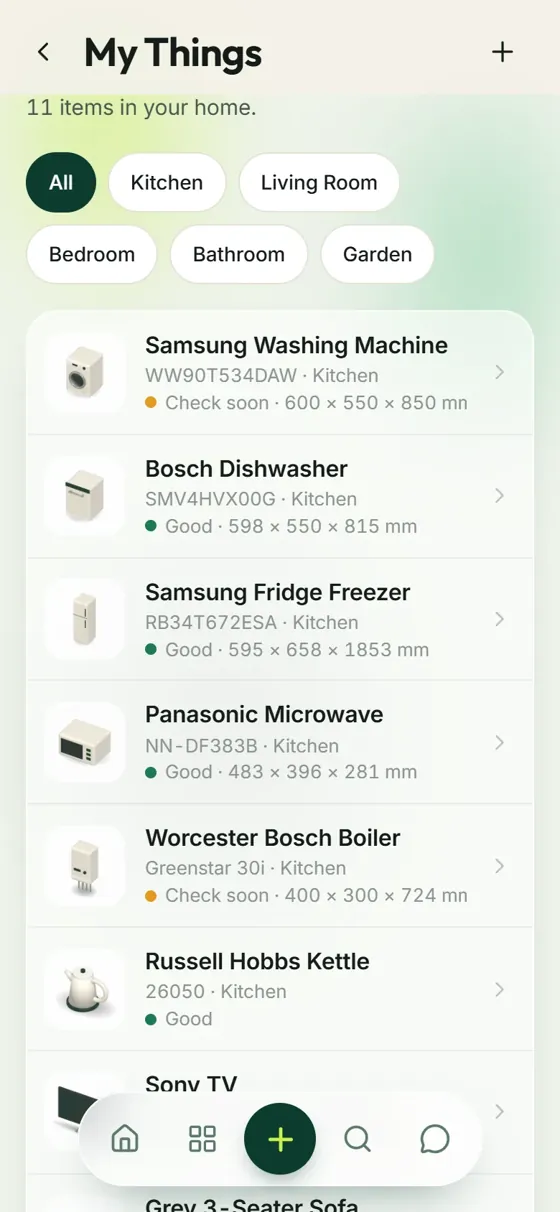
Record the purchase date and warranty end date for each appliance in CribVentory, and the age question is answered for good.
Frequently asked questions
How do I find out how old my appliance is?
Check your receipt or order confirmation for the purchase date, and look at the rating label, which sometimes shows a manufacture date. Some manufacturers encode the date in the serial number, and their support team can tell you how to read it.
Why does the age of an appliance matter?
Age affects whether it is still under warranty, how much a repair is worth and whether parts are still available.
Can the manufacturer tell me the age from the serial number?
Many can. Contact the manufacturer with the model and serial number, as the way dates are encoded differs between brands.
More guides
Congratulations on the keys. We’ve got the admin.
Seven days free. Then £20 a year, about £1.67 a month. Add your first appliance in a few taps.